Bring in anything.
Scan a drawing, or add photos, videos, PDFs, and documents you already have.
Photos, videos, and documents in one private family space, simple enough for everyone.
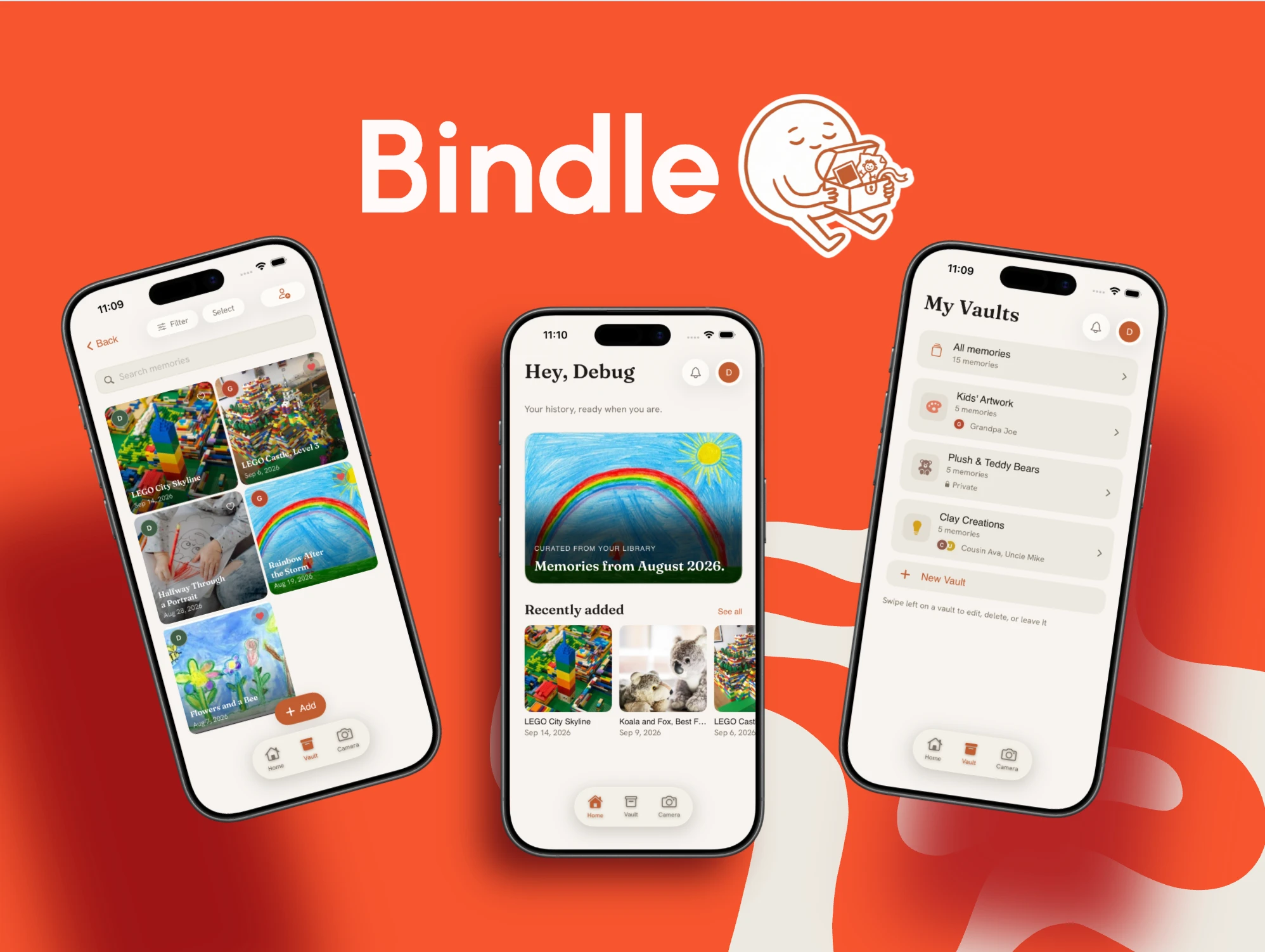
No reorganizing weekend required. Add what matters and invite the people who should see it.
Scan a drawing, or add photos, videos, PDFs, and documents you already have.
Group files into named spaces, tagged by person, date, and moment.
Family gets one feed. No digging through your camera roll.
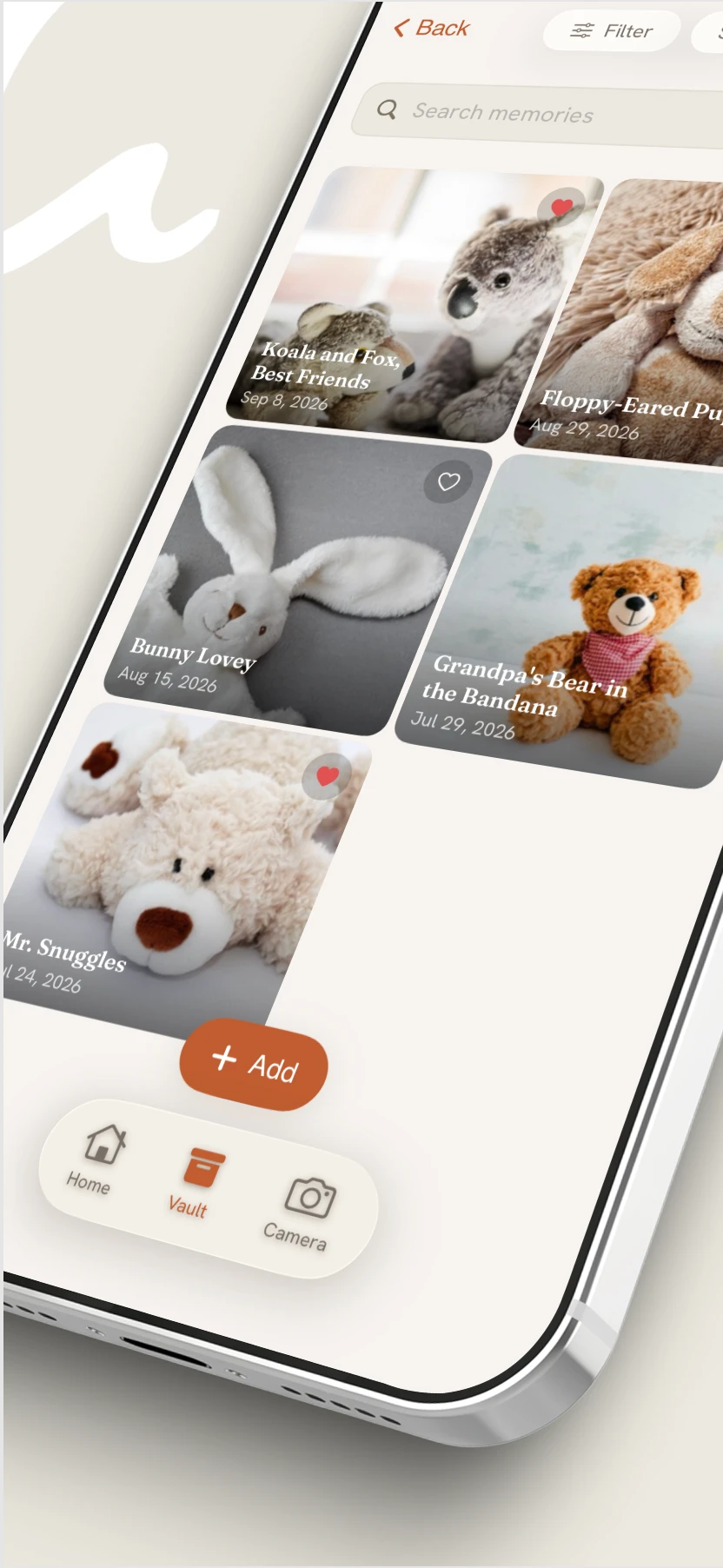
Photo apps only handle images. Bindle keeps every file type (recipes, report cards, videos, letters) in one space.
Create named vaults for what matters: Hudson's art, the holidays, school years. Each one separate from your camera roll.
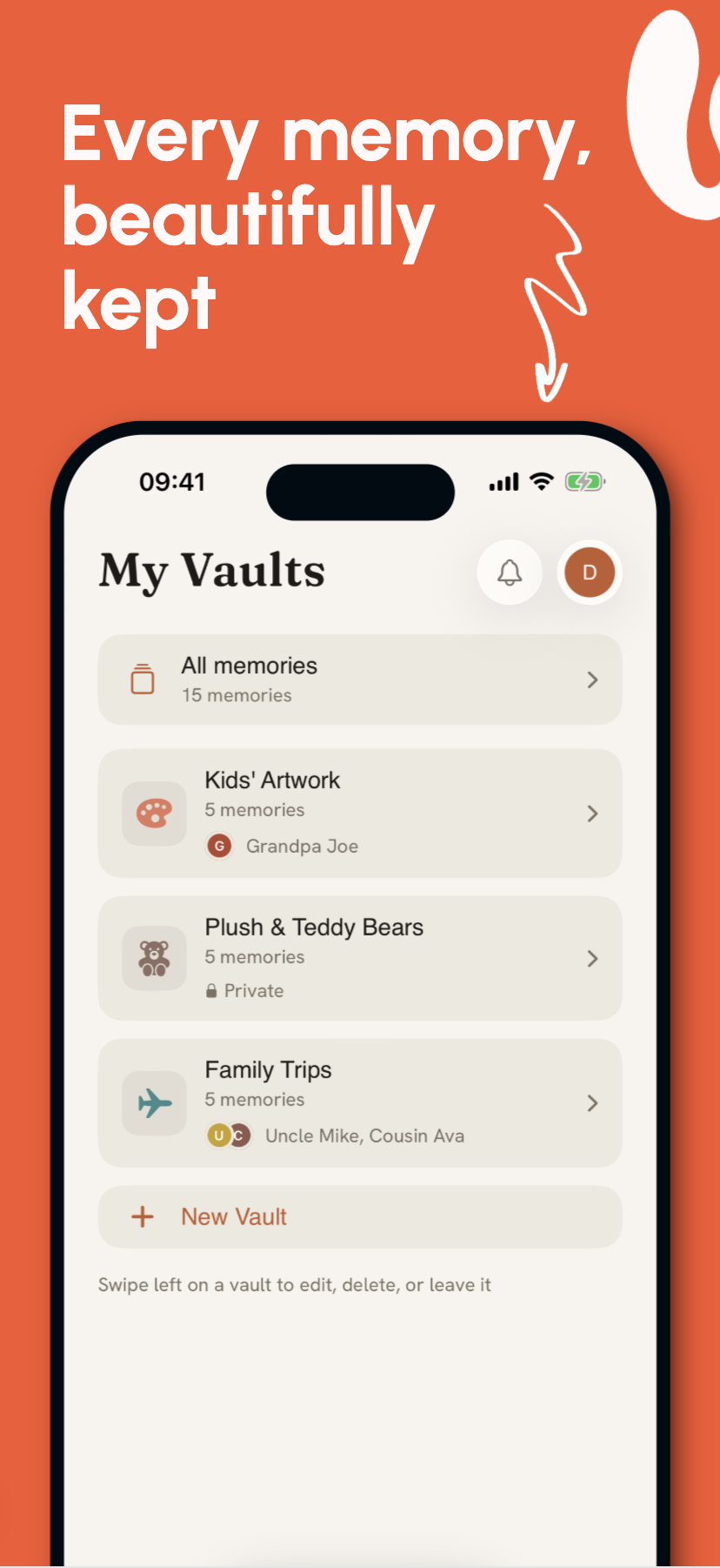
Physical things fade. Point, scan, and save anything in seconds. The original can age — your copy in Bindle won't.
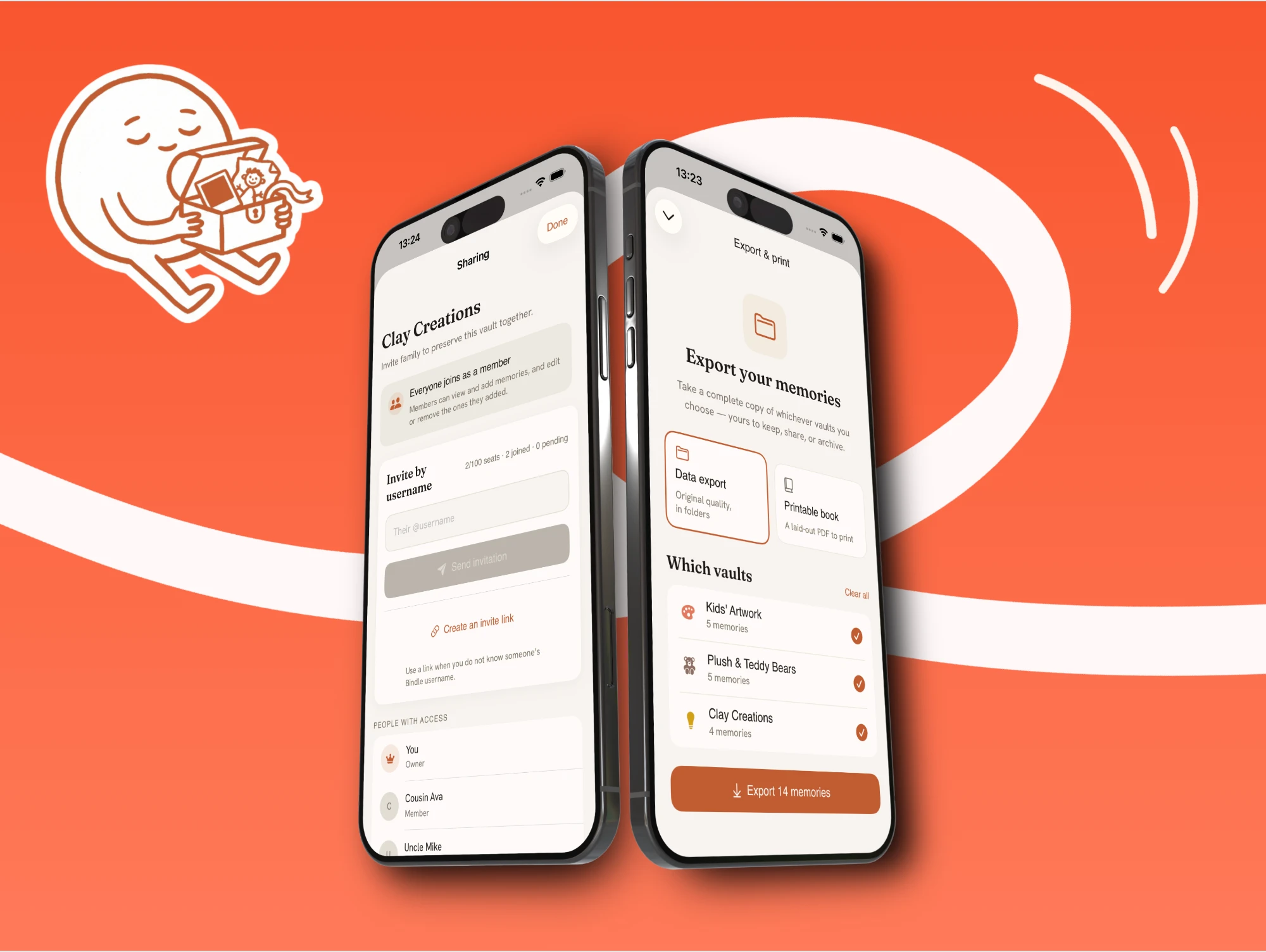
Shared albums are confusing — menus to navigate, hundreds of screenshots to sift through. Bindle gives everyone one feed. Invite Grandma, and she just opens it and smiles.
Your camera roll is a mess — and that's fine. Bindle holds what matters, tagged by person, type, and date, so the right moment is still one search away ten years from now.
Start free, upgrade when you outgrow the 25-memory cap. Everything you've kept stays yours either way.
Free
Free
A private place to start keeping what you don't want to lose.
Bindle+
$3.33 / month
$39.99 / yearYearly billing = 2 months free
No cap on what you can keep, on every device you own.
Free is private by default too. Upgrade, downgrade, or export your files at any time.
The short version: your memories stay yours, sharing stays intentional, and nobody needs to be the family tech support.
Still curious? Get in touchYes. Every space is private by default, and only people you invite can see or add to it.
Photos, videos, PDFs, scanned artwork, documents, letters, and more. All in the same space.
Yes. Invited family members open one clean feed with clear actions, no camera-roll clutter, no buried sharing menus.
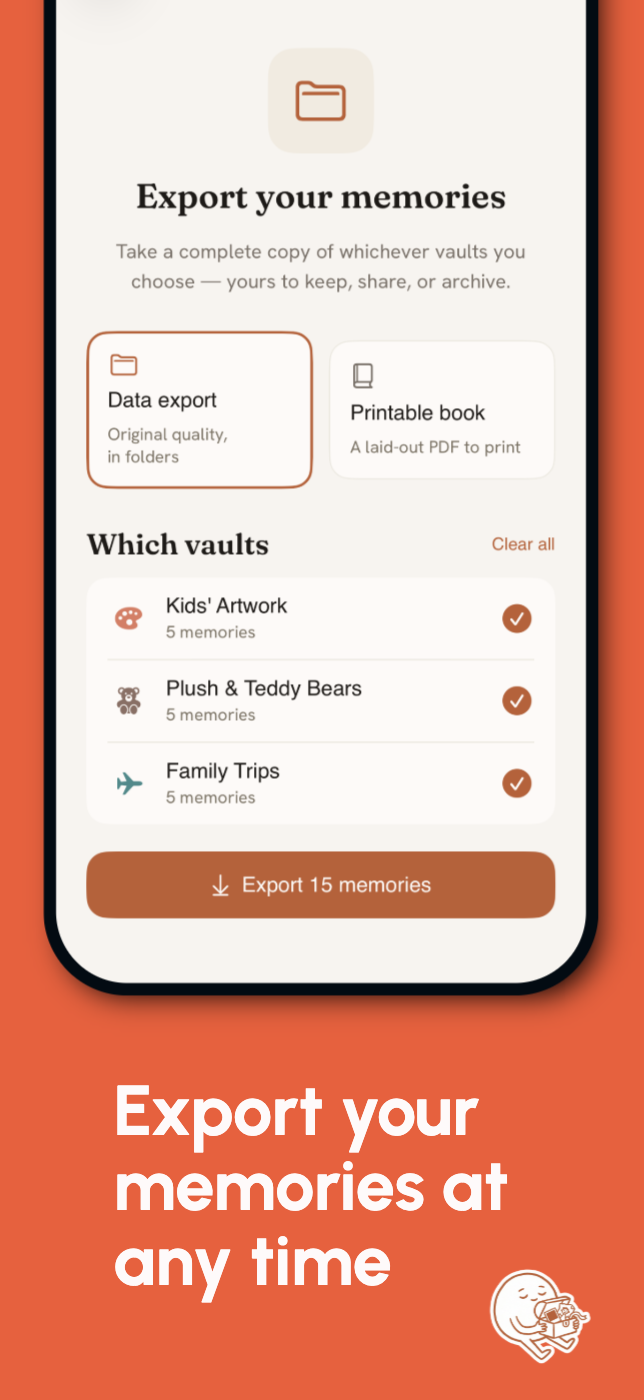
Yes. Every plan includes exports, so nothing is locked into Bindle.
Yes. Anyone you invite can add their own photos, documents, videos, and notes.
iPhone first. Android is planned — we'll update this page when it's ready.
Join the waitlist and be among the first families invited to Bindle.
We'll only email you about early access.